









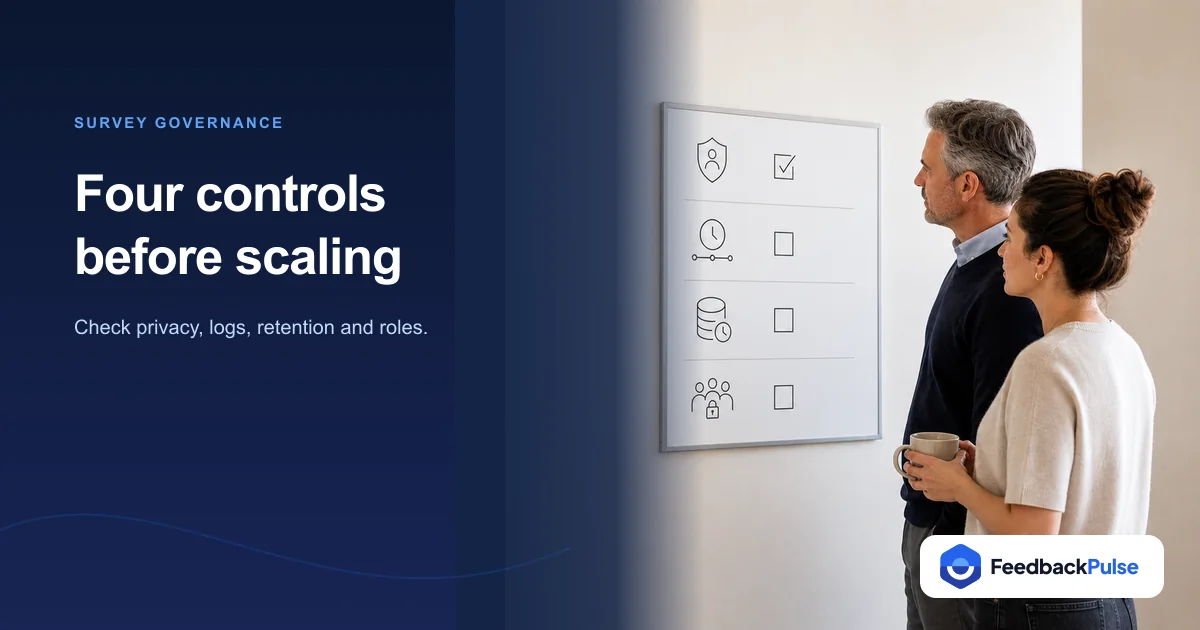
A survey governance checklist covers four controls: an anonymity threshold that blocks small-group reporting, audit logs that record who accessed or exported results, a documented data retention policy, and role-based access control that limits who sees what. Run those four against any survey tool, yours or a vendor's, and you'll catch most of the gaps before an employee, a works council, or an auditor finds them for you.
When Kwame Asante ran his first company-wide pulse at his 30-person logistics startup, a warehouse team manager logged in and found he could see every team's results, not just his own. Nobody had set up role permissions; the default was wide open. Kwame caught it before anyone noticed, but it cost him a week of trust-repair conversations once he mentioned the fix in an all-hands. You don't want to find your gap that way. This checklist is built so you can find it first, whatever tool you run.
Key Takeaways
- Set your anonymity threshold, the minimum group size before results are reported, before you launch anything, and pick a number your smallest team can't be reverse-engineered from.
- Audit logs need to capture who viewed or exported a report and when, and the log itself needs its own access control.
- Separate your retention policy for raw open-text responses from aggregated trend data; they carry very different privacy risk and don't need the same clock.
- Role-based access should default to least privilege: managers see their own team, admins see the rest, and nobody sees raw comments below the anonymity threshold.
- None of this is legal advice. Data-protection rules like the GDPR set expectations around storage limitation; your legal or compliance advisor should set the actual numbers for your organization.
What a Survey Governance Checklist Actually Covers
Survey governance is the set of decisions that determine who can see feedback data, how long you keep it, and what evidence exists if someone asks how a specific result was handled. It sits underneath the survey itself. A well-designed question set doesn't matter much if a manager can identify an anonymous respondent, or if nobody can say who exported last quarter's results.
This checklist works for any survey or pulse tool. It's deliberately vendor-neutral: the point is to give an HR or people-ops lead something to run against their current platform, not a pitch for a specific one. If you're also building an audit trail for an ISO-style certification review, our audit-ready employee feedback guide covers the broader evidence trail this checklist feeds into: dated participation records, cycle-over-cycle trends, and corrective-action logs.
Anonymity Thresholds: How Small Is Too Small to Report
An anonymity threshold is the minimum number of respondents a group needs before its results appear in a report. Below that number, the tool should withhold the breakdown rather than show it, because a small enough group lets anyone with basic math work backward to a name.
Naledi Dube found this the hard way as people ops manager at a 45-person fintech in Cape Town. Her platform let managers filter results by team with no floor on group size. A two-person engineering pod got filtered down to individual answers without anyone intending it, and one of the two recognized their own comment reflected back at them in a manager's follow-up meeting. The team never fully trusted the survey again.
What to check:
- Confirm your tool enforces a minimum group size automatically, not as a setting an admin has to remember to turn on.
- Test what happens when a filter (department, tenure, or location) would produce a group below that threshold. The report should suppress the breakdown, not just round the count.
- Document the threshold number in writing so managers and employees both know what "anonymous" means in your program, instead of assuming it means something stronger than it does.
- Check whether open-text comments get the same protection as scored questions. A suppressed score with an identifiable comment attached is not actually anonymous.
Audit Logs: What to Track and Who Can See It
An audit log records who touched survey data, and when. Without one, "who exported that report" becomes a question nobody can answer, which is a bad place to be during a security review or an internal investigation.
Tomasz Wroblewski learned this mid-review as chief of staff at a 220-person logistics firm going through an ISO 27001 surveillance audit. The auditor asked a simple question: who had access to the raw survey export sitting on a shared drive, and when was it downloaded? Tomasz's team had no answer. The platform had no access log, and the shared drive's permissions had been set once, two years earlier, and never reviewed. It wasn't a fatal finding, but it turned a routine question into a documented gap that took a full quarter to close.
What to check:
- Confirm the tool logs every view and export of a report, not just admin-level configuration changes.
- Check that the log itself is access-controlled and tamper-evident. A log anyone can edit isn't evidence of anything.
- Verify logs capture AI-assisted access too. If managers or admins query survey data through an AI assistant, that query should leave the same trail a dashboard view would.
- Set a review cadence, monthly or quarterly, for someone to actually look at the log, not just generate it and let it sit.
Data Retention: Setting and Documenting a Policy
A retention policy states how long you keep survey data and when you delete or anonymize it. Skipping this step doesn't avoid the decision; it just means the retention window defaults to forever, which is its own kind of risk once someone asks why you're still holding four-year-old open-text comments naming specific managers.
Renata Alves ran into exactly that as an HR business partner at a 130-person media company. A legal review turned up raw survey exports going back to the company's founding, complete with unredacted comments about individual managers. Nobody had ever decided to keep them; nobody had ever decided to delete them either. The fix took weeks of manual review because there was no policy to apply retroactively, only judgment calls made one file at a time.
A workable split most governance programs land on:
- Raw, open-text responses: keep for a defined, shorter window tied to the purpose you collected them for, then delete or aggregate them.
- Aggregated trend data (scores, participation rates): keep much longer, since a rolling eNPS or pulse trend carries far less identifying detail and is exactly the evidence an audit-ready program depends on.
- Access and audit logs: keep at least as long as your audit or compliance review cycle requires, so you can answer "who saw this" for the full period someone might ask about.
This is operational guidance, not legal advice, and it doesn't tell you what the law requires. Data-protection frameworks including the EU's GDPR (2016) set out a storage limitation principle: personal data shouldn't be kept longer than necessary for the purpose it was collected for. The specific retention window for your organization, though, is a decision for your legal or data-protection advisor, not a number to copy from an article.
Role-Based Access Control (RBAC): Who Sees What
RBAC means a person's role determines what they can see and do inside the tool, not their curiosity or their manager's willingness to grant a favor. The NIST access control framework (2020) calls the underlying principle least privilege: give people the minimum access their role requires, nothing more by default.
For a survey program, that typically breaks into three tiers:
| Role | Should See | Should Not See |
|---|---|---|
| Employee | Their own survey history, general program communication | Other employees' individual responses, cross-team data |
| Manager | Their own team's aggregated results (above the anonymity threshold) | Other teams' data, raw open-text below the threshold, export or admin controls |
| Admin | Cross-team aggregated data, configuration, exports | Nothing withheld by design, but every action should hit the audit log |
Kwame's earlier mistake, a manager who could see every team's results by default, is the most common way RBAC breaks down in practice. It's rarely malicious. It's usually a platform that ships wide-open by default and an admin who never got around to tightening it before the first survey went out.
What to check:
- Confirm the default permission state is restrictive, not permissive. New managers shouldn't need someone to manually lock down their access.
- Test what a manager account can actually see, don't just trust the settings screen. Log in as one, or ask one what they can access.
- Review admin accounts periodically. Access that made sense for a departed HR lead's role shouldn't still be active six months later.
- Check whether access changes themselves show up in the audit log described above. RBAC without a record of who changed what is a control that can quietly erode.
The Full Governance Checklist
Keep this table next to whichever survey tool you run. If you can check every row without opening a support ticket, you're in good shape.
| Control | What to Verify | Red Flag |
|---|---|---|
| Anonymity threshold | Minimum group size enforced automatically, documented in writing | Admin has to remember to apply it; open-text isn't covered |
| Audit logging | Every view and export logged, log is access-controlled | No log exists, or anyone can edit it |
| Data retention | Written policy separating raw responses from aggregated trends | No policy; data kept "because nobody deleted it" |
| Role-based access | Default permissions are restrictive; tiers match employee, manager, admin | New accounts start with broad access by default |
| AI/assistant access | Queries through any AI assistant hit the same audit log as dashboard views | AI queries leave no trail at all |
| Periodic review | Someone reviews logs, access lists, and retention on a set cadence | Controls were configured once at setup and never revisited |
Where FeedbackPulse Fits in This Checklist
This checklist works with any tool, but it's worth naming where FeedbackPulse specifically lands on it. The platform enforces an anonymity threshold automatically: results are withheld below a minimum group size as a built-in control, not an option an admin has to remember to switch on. Role-based access ships as the default, with admin, manager, and employee tiers, so the wide-open state that caught Kwame out isn't the starting point.
FeedbackPulse also runs a production MCP server so people leaders can query survey and performance data through Claude or ChatGPT. Every one of those calls is audited, respecting the same role and privacy gates as the dashboard, so an AI-assisted query leaves the same trail a manual export would. None of that replaces the retention policy or the periodic review your organization still has to own; a tool can enforce the controls, but it can't decide your data-retention window for you.
Frequently asked questions
What is a survey governance checklist?
A survey governance checklist is a set of controls (an anonymity threshold, audit logging, a data retention policy, and role-based access) that a survey or pulse program should have in place before it scales past a handful of teams. It is an operating checklist, not a legal document, and it applies to any survey tool, not one vendor's product.
What is an anonymity threshold in employee surveys?
An anonymity threshold is the minimum number of respondents a group needs before that group's results are shown in a report. Below the threshold, the tool withholds the breakdown instead of displaying it, so a manager can't work backward from a small team's answers to guess who said what.
How long should you keep employee survey data?
There is no single correct number, and this isn't legal advice, but most governance programs separate raw open-text responses (kept for a defined, shorter window) from aggregated trend scores (kept much longer, since they carry far less identifying detail). The specific window should come from your legal or data-protection advisor.
What should a survey audit log record?
At minimum, who viewed or exported a report, when, which group or cycle it covered, and any change to survey configuration or access permissions. The log itself needs its own access control, since a log anyone can edit isn't evidence of anything.
What is role-based access control (RBAC) in survey software?
RBAC means a user's role, typically admin, manager, or employee, determines what they can see and do inside the tool. A manager should see their own team's aggregated results and nothing else; only admins should see cross-team data or export raw responses.
Getting Started
Run the six-row checklist above against whatever tool your survey program uses today, not the one you might switch to someday. Most gaps show up in the first pass: a threshold nobody enforces, a log that doesn't exist, a retention policy that was never written down. Fix those before you scale the program to more teams, not after.
For the deeper evidence trail this checklist feeds into, dated participation records, multi-cycle trend data, and corrective-action logs, see the audit-ready employee feedback guide. And if you want to see governance controls that are already switched on rather than configured by hand, start a free FeedbackPulse trial. Free for up to 10 people, no credit card required.